 Tabiary
Never lose your tabs again
Chrome crashes. Updates go wrong. Saved sessions disappear overnight. Tabiary quietly keeps every version of your windows, pinned tabs and tab groups, and restores them the way they were.
Free. No account. Your tabs never leave your computer.
Built around one job: not losing data
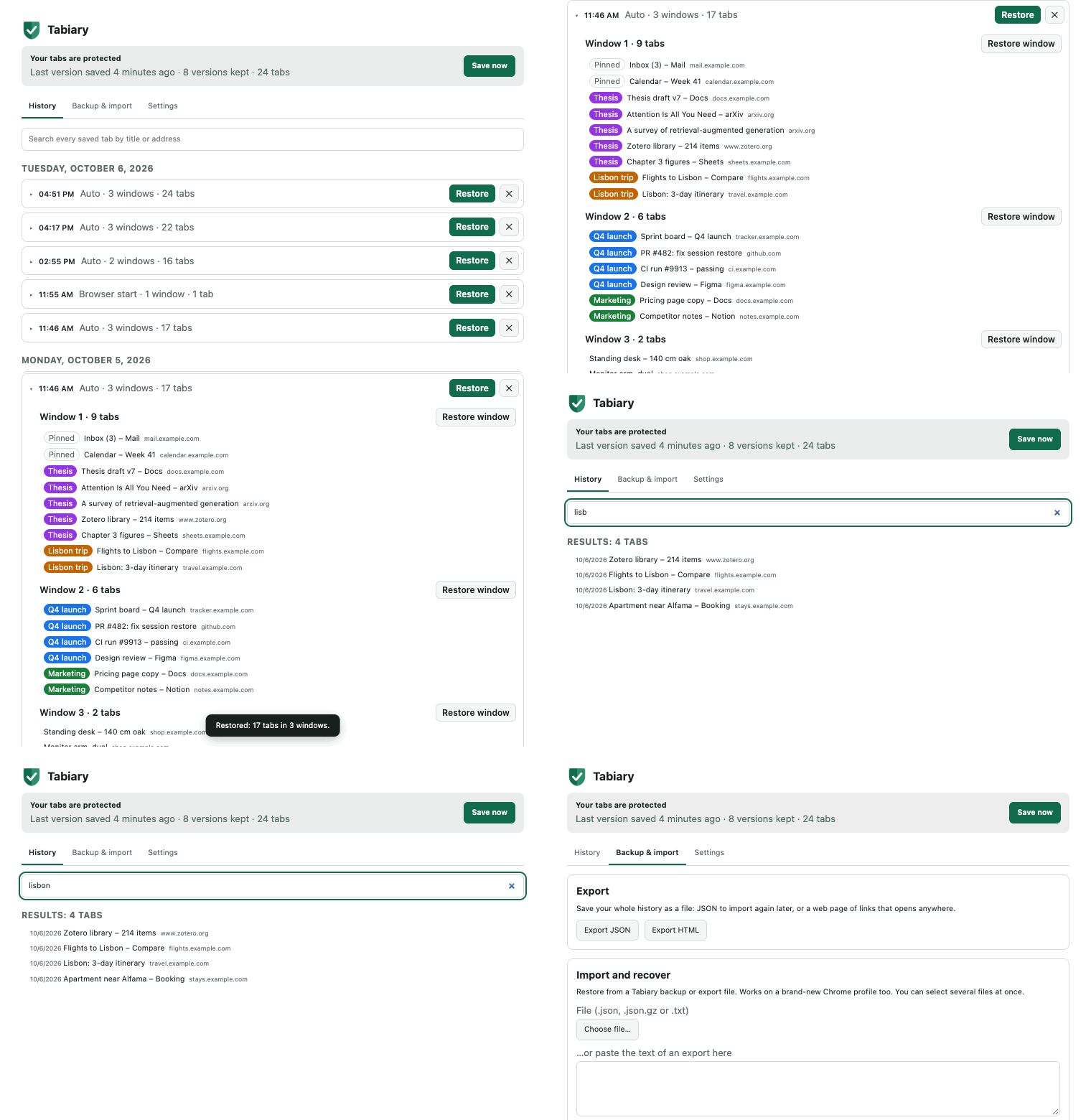
Versions, never overwrites
Each save is a new version. A broken save or a half-empty window after a crash can never replace the good copy before it.
Saves by itself
Whenever your tabs change, at regular intervals, and when the browser starts. You do not have to remember anything.
Verified writes
A version only counts once it is fully written and its checksum has been verified. Interrupted saves are cleaned up on the next start.
Restore what you need
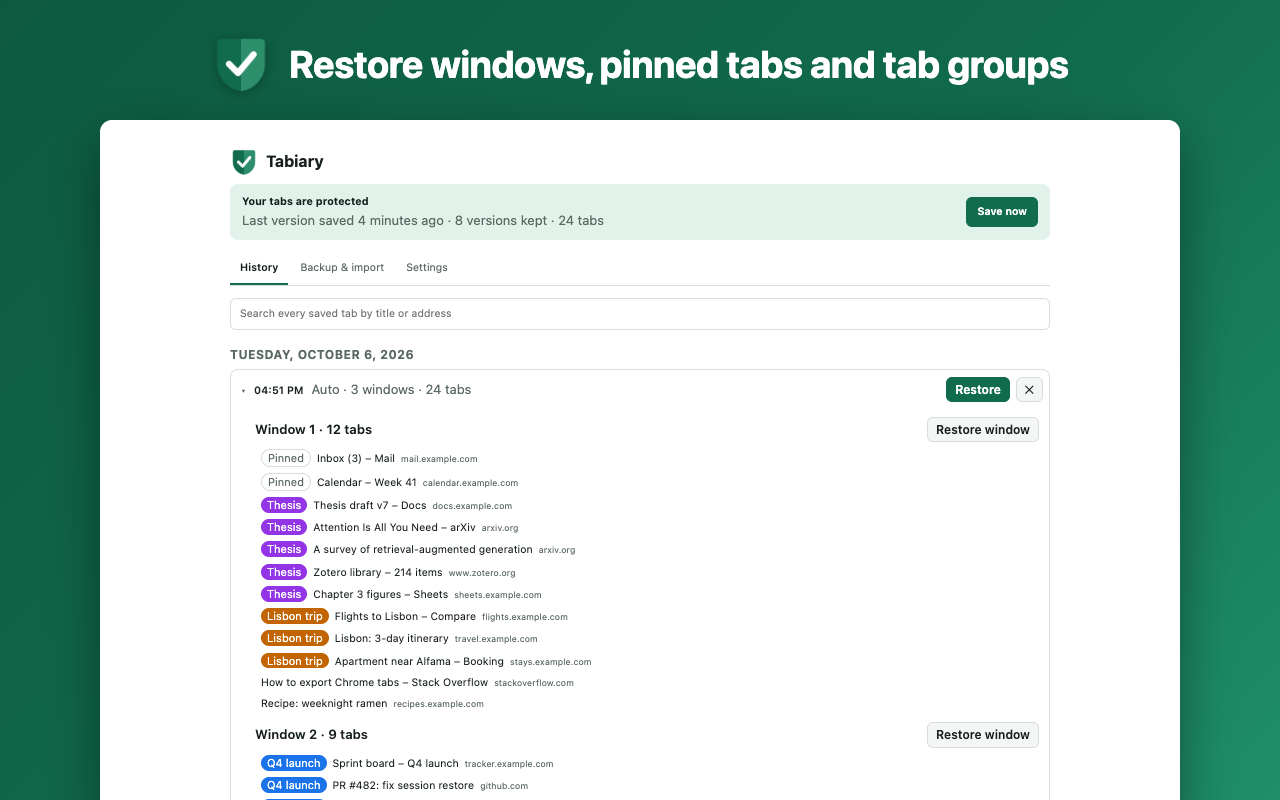
A whole session, one window, or a single tab. Tab groups, pinned tabs and order come back as they were, without loading every page at once.
Search everything
Find any tab you had open by title or address, across the whole history.
Private by design
No server, no account, no analytics. Everything stays in your browser. The extension makes no network requests.
Already lost your tabs?
These guides are for the bad day itself. They are worth reading whether or not you install anything.
Questions
Chrome says the extension can "read your browsing history". Why?
To save your tabs the extension has to read their addresses and titles, and Chrome describes that permission with this warning. Tabiary never reads page content, and nothing is sent anywhere: there is no server to send it to.
Where is my data stored?
In the extension's own database inside your Chrome profile, on your computer. Export files are written wherever you save them.
What if I uninstall the extension or my Chrome profile is wiped?
The in-browser history goes with the profile, as with any extension. A file outside the browser is the answer: export your history whenever you like and keep the file somewhere safe. Importing it into a fresh install takes a moment.
Does it sync between computers?
No. There is no cloud. To move your history, copy a backup or export file to the other computer and import it.
Will it slow Chrome down?
A save reads the list of open tabs and writes a small record. It does not touch the pages themselves and runs no code inside them.
Does restoring close my current tabs?
No. Restored windows open next to whatever you have open now.
Can it restore hundreds of tabs?
Yes. Tabs are reopened in small batches with a progress bar and a cancel button. Only the active tab of each window loads; the others stay unloaded until you click them. In our test with lightweight local pages, 300 tabs in 6 windows were back in about 8 seconds; real sites take longer.
Does it work in Edge, Brave or Vivaldi?
It is built and tested for Chrome. Other Chromium browsers usually run Chrome extensions, but they are not tested.